
You haven't signed in yet, you can have a better experience after signing in
*Please complete the payment within {{receiveCouponInfo.expire_at}}Previous use*
You haven't signed in yet, you can have a better experience after signing in



Activity Rules
1、Activity time:{{ info.groupon.start_at }} ~ {{ info.groupon.end_at }}。
1、Activity time:cease when sold out。
2、Validity period of the Group Buying:{{ info.groupon.expire_days * 24 }} hours。
3、Number of Group Buying:{{ info.groupon.need_count }}x。
Please Pay Attention
1、Teamwork process: Join/initiate a Group Buying and make a successful payment - Within the validity period, the number of team members meets the activity requirements - Group Buying succeeded!
2、If the number of participants cannot be met within the valid period, the group will fail, and the paid amount will be refunded in the original way.
3、The number of people required and the time of the event may vary among different products. Please pay attention to the rules of the event.
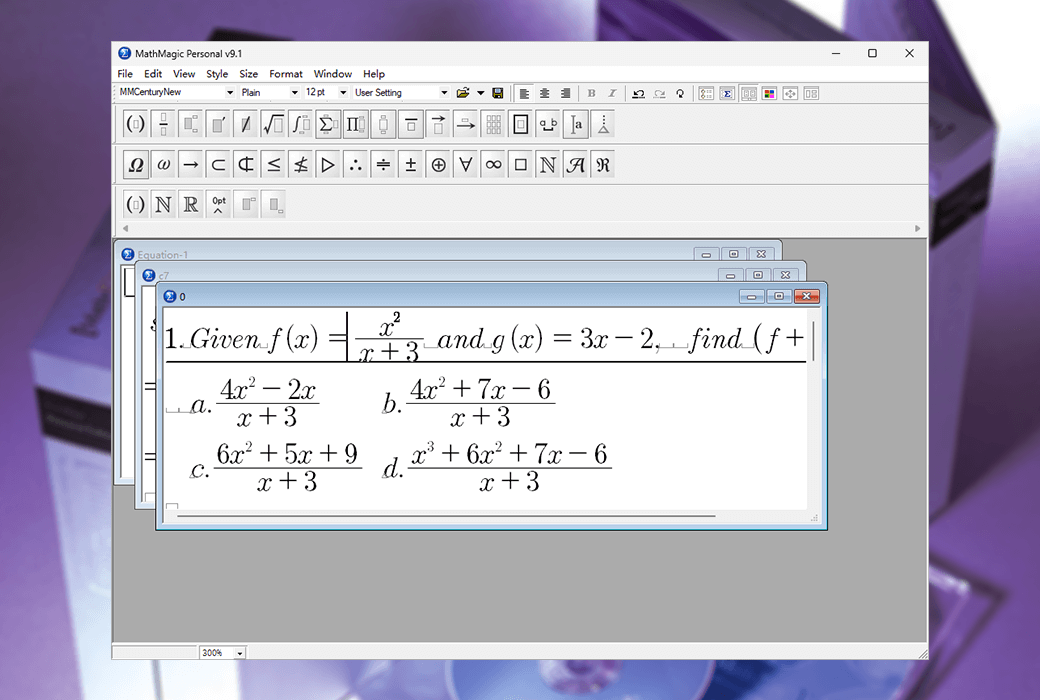
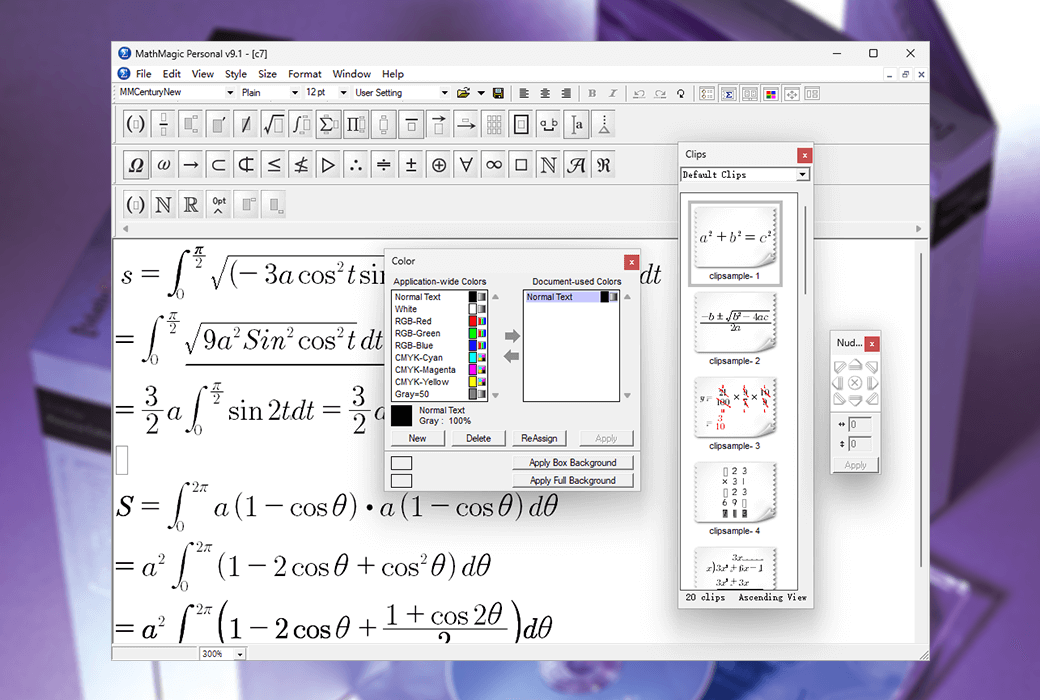
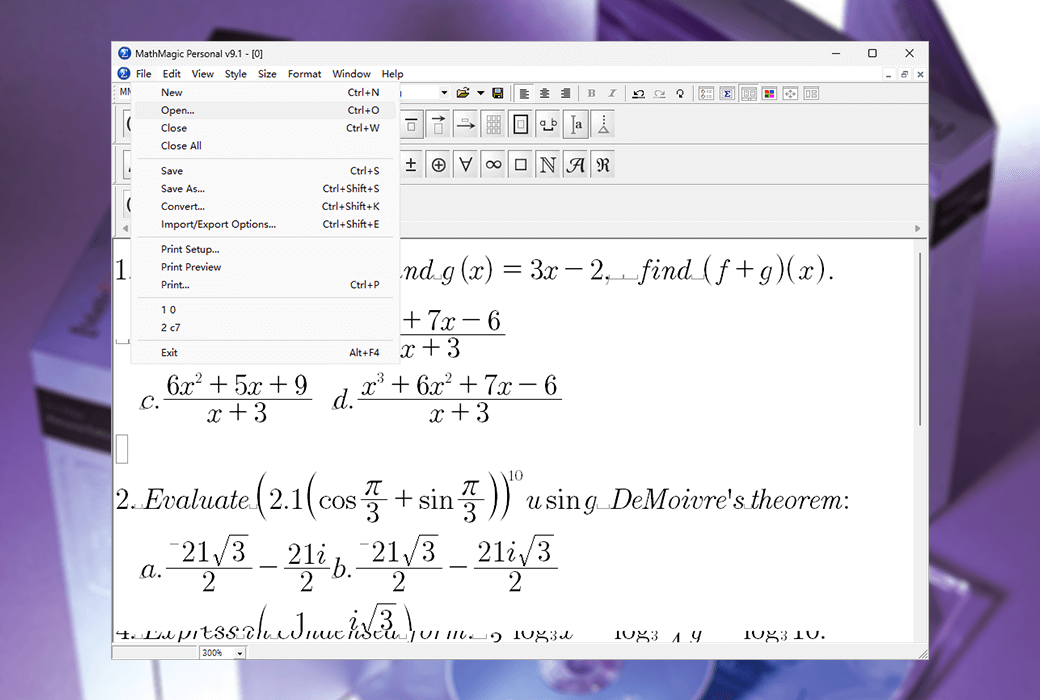
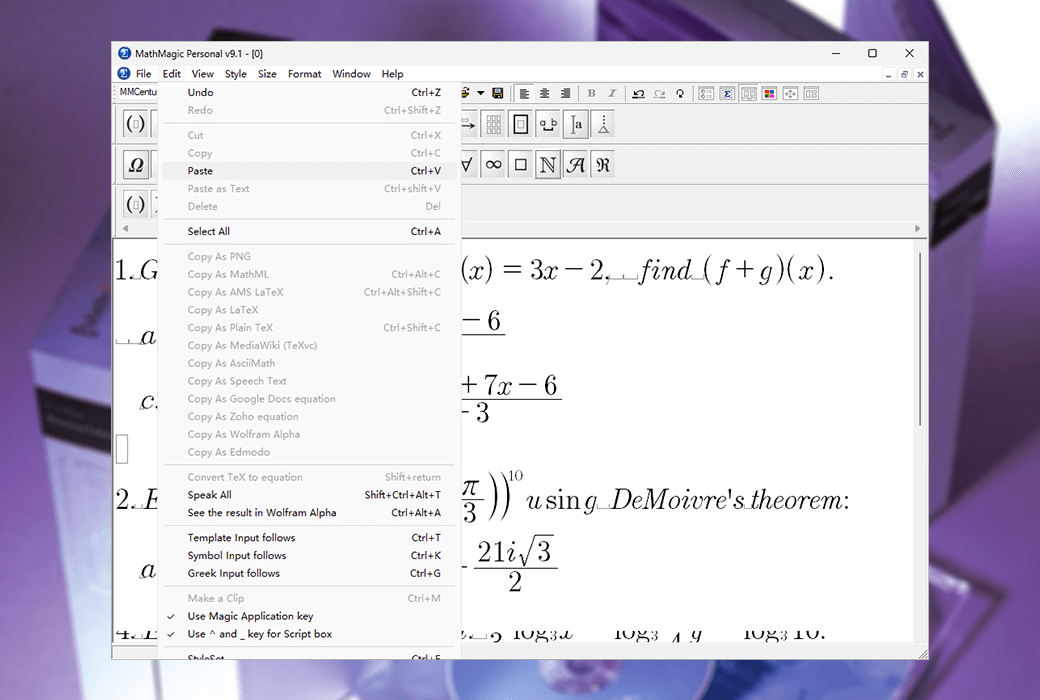
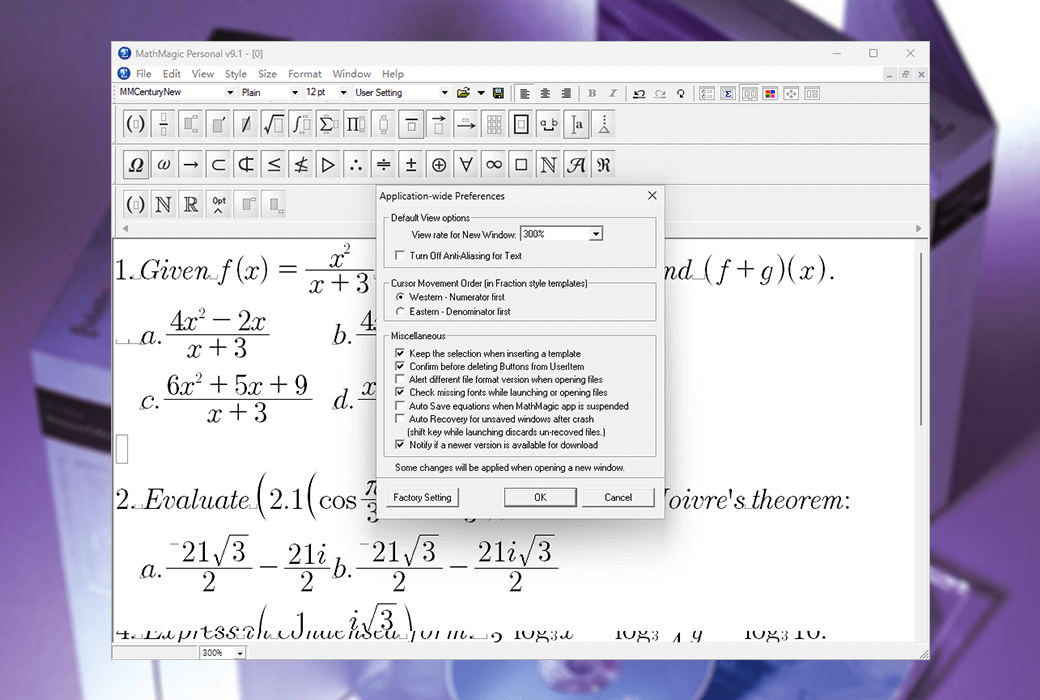
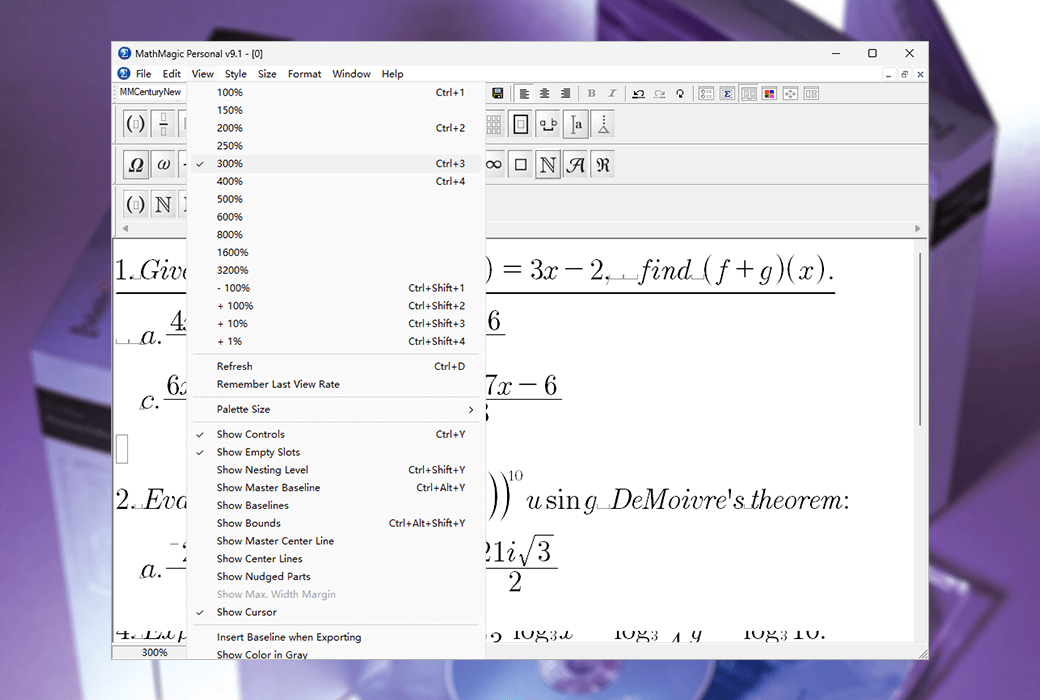
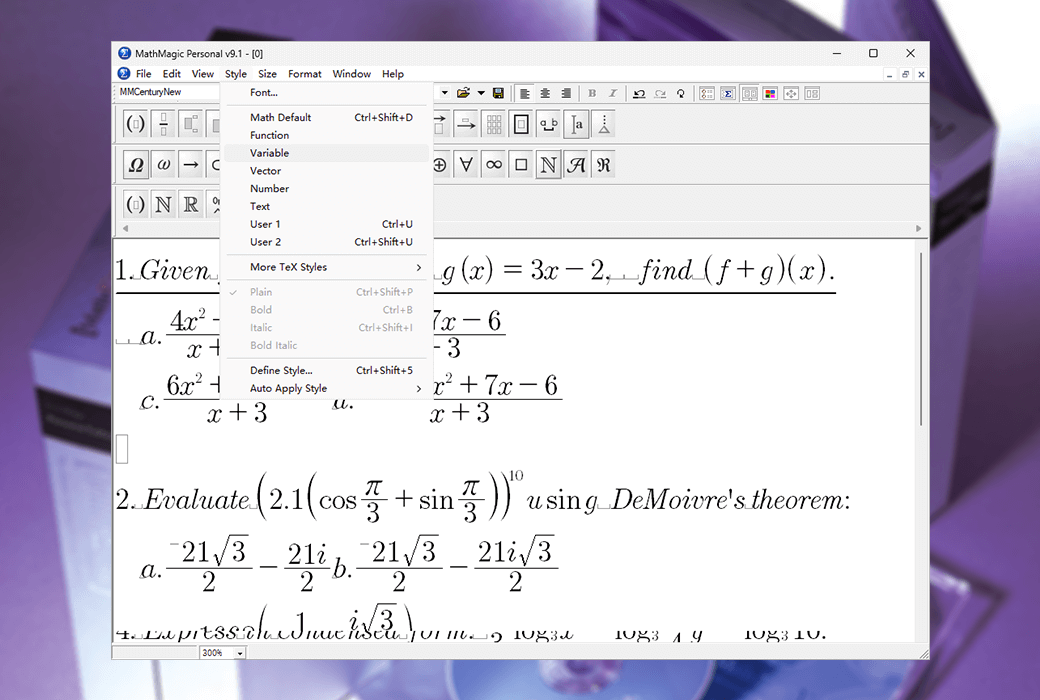
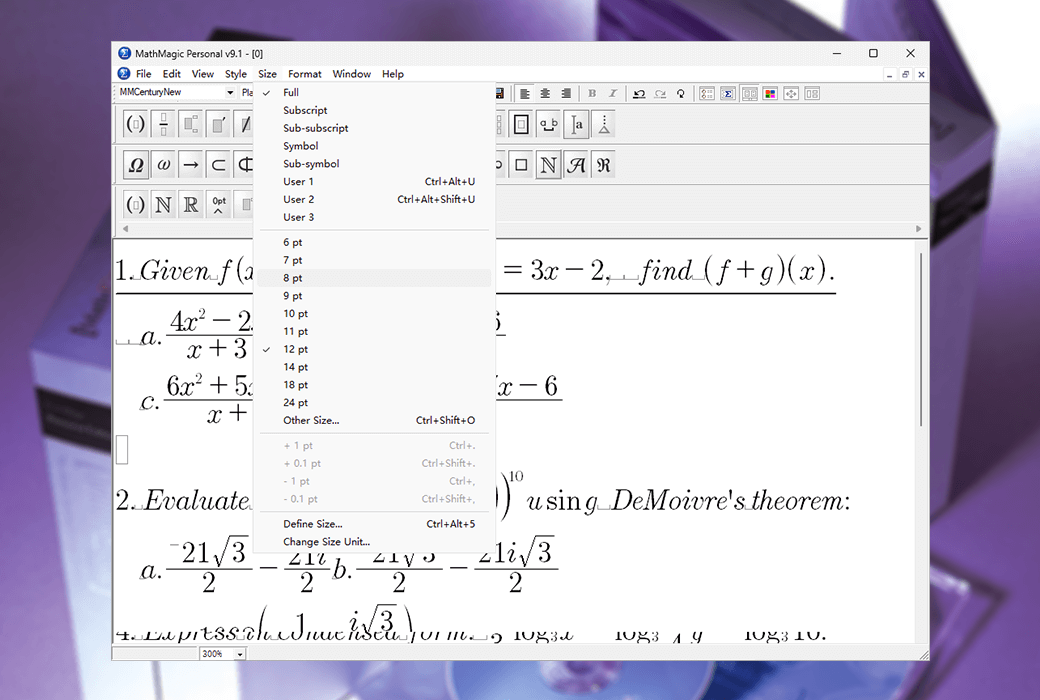
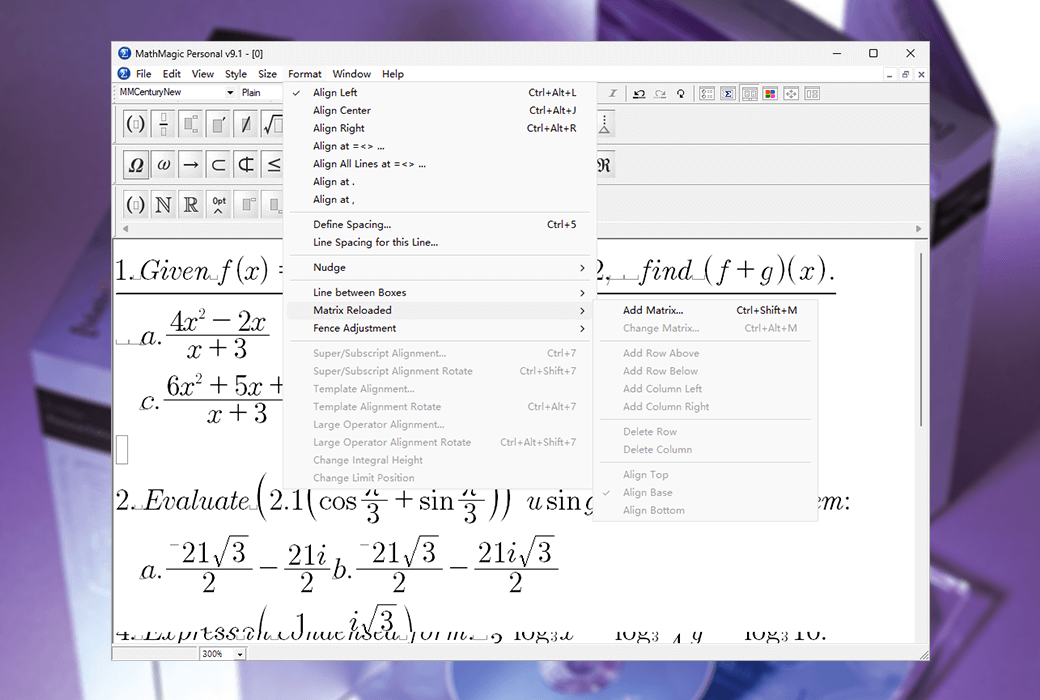
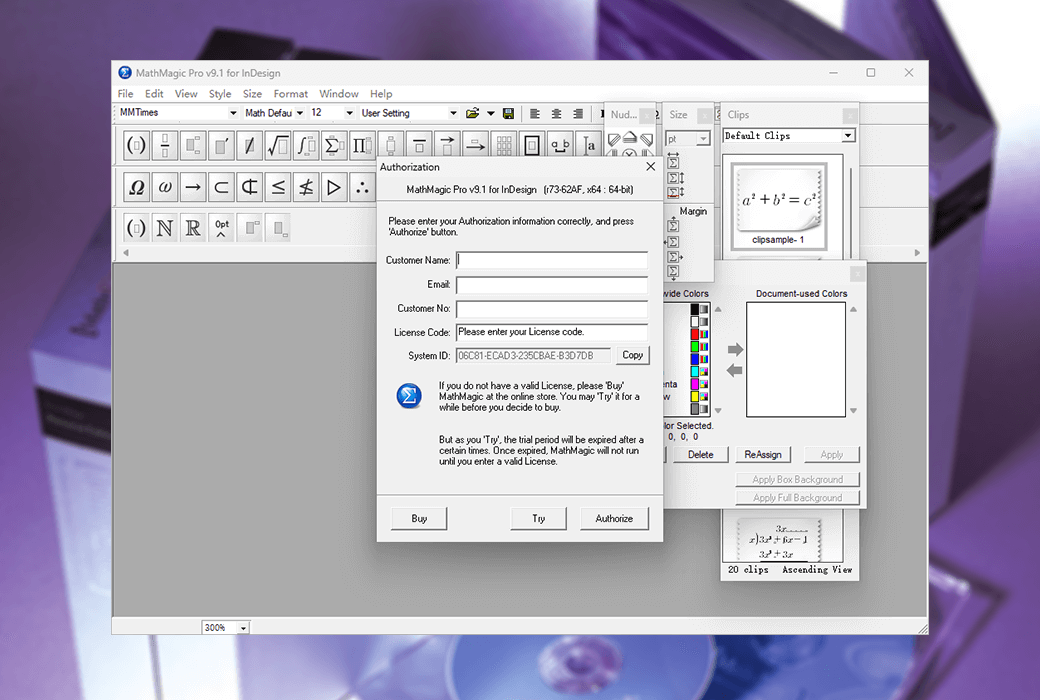
Adobe InDesign's MathMagic Pro Edition is an equation editor primarily used in conjunction with Adobe InDesign software, capable of editing any mathematical expression and symbol, with a WYSIWYG interface and various powerful features.
Comes with plugins
The MathMagic Pro version of Adobe InDesign consists of the MathMagic Pro application, the MathMagic plugin for Adobe InDesign CS5~CC 20xx for Mac or Windows, and the MathMagic plugin for Mac or Windows
Composed of MathMagic font (OpenType).
The MathMagic plugin provides you with a user interface (a menu and a tool button) that allows you to create and edit equations in InDesign documents.
Then, it seamlessly communicates with external MathMagic Pro applications.
You can use the MathMagic Pro application to quickly create any equation and then send it back to InDesign. The MathMagic plugin allows you to place equations as inline graphics or floating graphic objects in EPS format within a text box. After creation, all equations are processed by InDesign, just like other EPS graphic objects. But you can still edit these equations at any time by double clicking.
The MathMagic plugin can automatically recognize the baseline of equations, so that all equations can match the baseline of the text line well, and even allow you to manually move the baseline.
Why choose MathMagic?
There are many reasons why professional users choose MathMagic products.
Simply put, MathMagic's outstanding productivity and equation quality always satisfy users.
Overall productivity can save a lot of time and labor, and software investment can usually be recovered within 1 week to 1 month. The equation quality and customizable features can meet the complex requirements of high-end users.
productivity
features
quality
Easy to use
Official Website:http://www.mathmagic.com/product/pro.html
Download Center:https://mathmagic-pro.apsgo.cn
Delivery Time: Manual processing
Operating Platform: Windows, macOS
Interface Language: Supports English interface display.
Update Instructions: Upgrade to the latest version. For minor updates, some free minor updates and 1 year of free technical support may be provided. For 2-year updates, 2 years of software updates and upgrades, and 2 years of free technical support are supported.
Trial Before Purchase: Free trial available before purchase.
How to Receive the Product: After purchase, the activation information will be sent to the email used for ordering. Additionally, the corresponding product activation code can be viewed in the personal center, under "My Orders".
Number of Devices: Can be installed on 1 computer.
Computer Switching: For minor updates, support for self-service transfer of licenses is available once within 1 year. For 2-year updates, support for self-service transfer of licenses is available once within 2 years.
Activation Guide: To be added.
Special Instructions: Purchasing the academic version requires a valid school/organization name or email address to be eligible.
References:http://www.mathmagic.com/support/faqs.html

Any question